- 1Open the listPDF, paper, WhatsApp...
- 2Find the addressSeparate recipient from sender
- 3Type them one by oneRepeat dozens of times
- 4Try to arrange the stopsBefore finally setting off
Plan your delivery route without typing addresses one by one. Take a photo or import your route file.
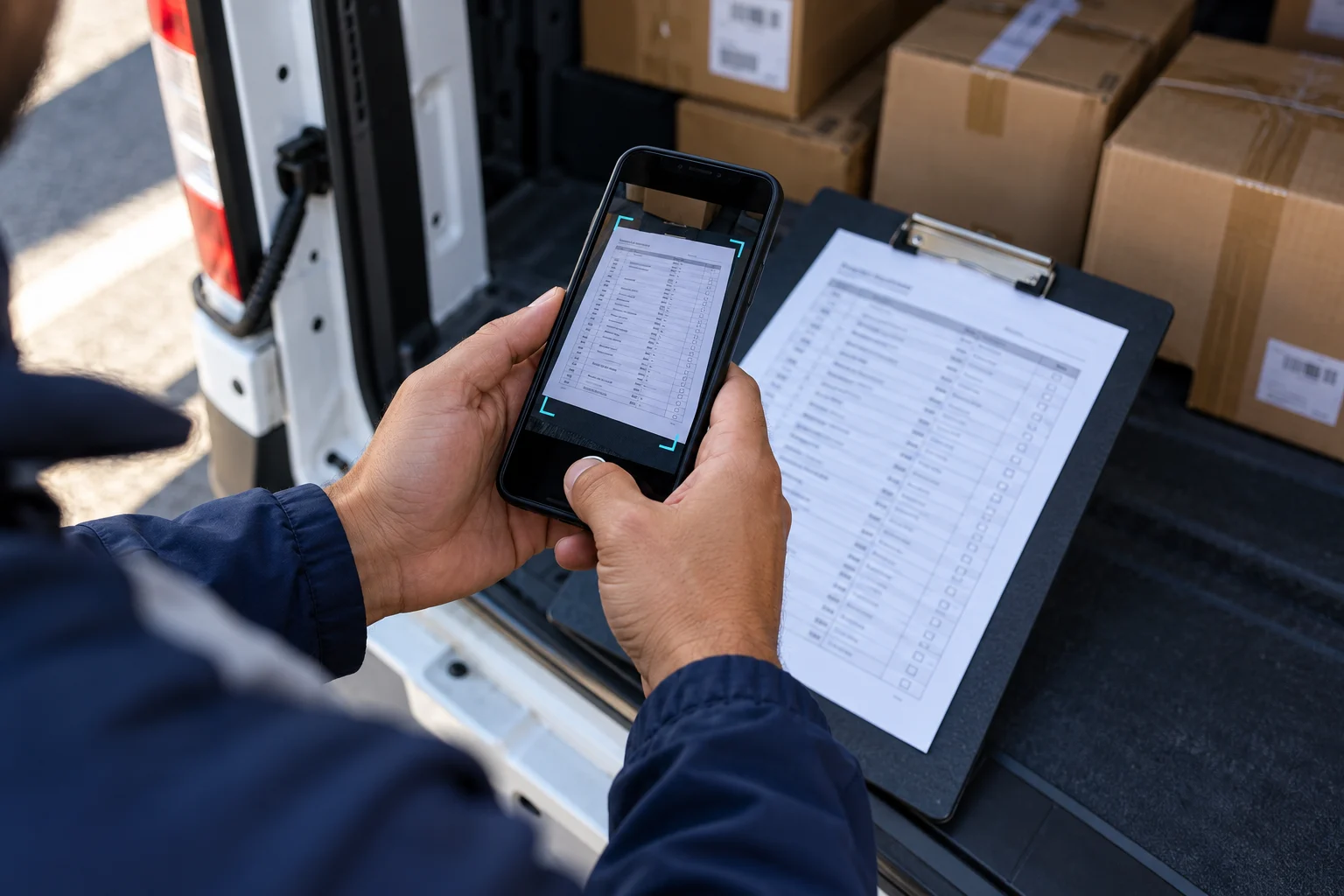
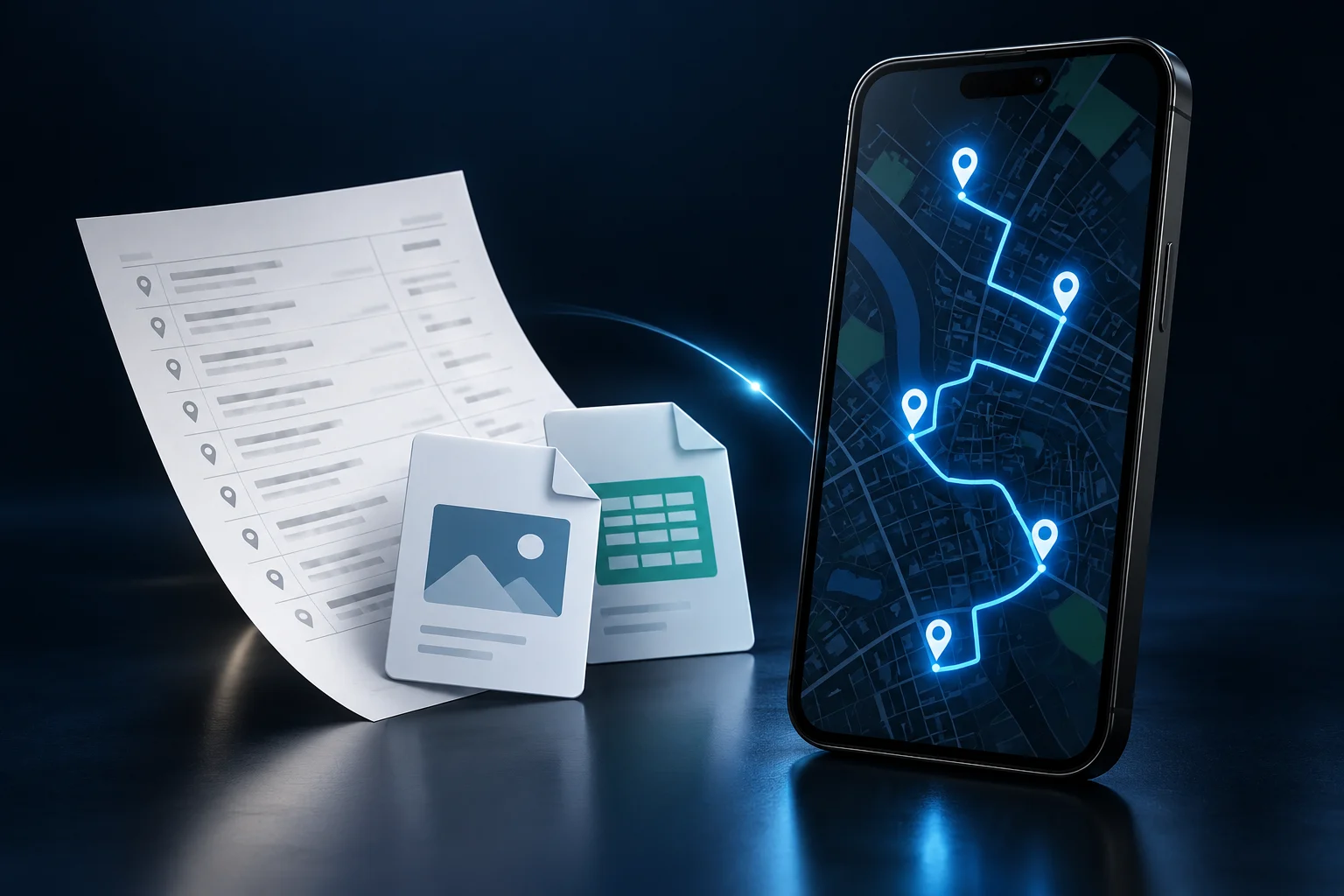
RotaPronta reads your photo, PDF or CSV and turns addresses into map pins. Check the locations, arrange your stops and head out for deliveries.

Watch your list become pins on a map.
Import and review the preview without signing up. Sign in and subscribe to complete the route and navigate.
Upload your list. See the pins.
Paste your WhatsApp text, upload a PDF or spreadsheet, or photograph your sheet. RotaPronta separates each stop for you to review.
Your file or text is sent to AI to separate the addresses.
Your job is to deliver.
Not to enter addresses.It is everything that happens before it.
Your sheet already has the addresses. So does your PDF. RotaPronta uses that information so you do not have to enter it all again.
- 1Upload it as receivedPhoto, PDF, CSV or text
- 2AI finds the locationsRecipients and priorities
- 3Check the pinsCustomer, AM/PM and location
- 4Follow the sequenceIn Google Maps or Waze
Photograph. Review. Follow your route.
Import it as received
WhatsApp text, PDF, CSV, TSV or photo. No need to reorganize the file first.
AI finds what matters
Identifies the recipient, prioritizes the postal code and separates morning and afternoon deliveries.
Maria S.AM · 5000-112
✓João A.PM · 5000-248
✓Set off with your route ready
Review the sequence and pins in RotaPronta. Choose Google Maps or Waze to navigate to each delivery.
Your delivery sheet. Now on the map.
Take a clear photo of your list or import the file you received. AI identifies recipients’ addresses, postal codes and notes so you can review everything in one place.
Recipient firstHelps avoid creating a stop at the sender’s address.
Step-by-step location searchHouse → street → landmark → postal code. Approximate locations are marked for you to check.
Morning and afternoon at a glance♥ for AM and ★ for PM, right on the map.
Flexible navigationCheck the pin and open the same stop in Google Maps or Waze.
Less admin. More time on the road.
Typing addresses one by one
Start with the file you already received.
Hunting for the recipient in a document
AI separates logistics information before creating the pins.
Guessing the order of your stops
Get a suggested sequence based on your route’s locations.
Copying addresses to navigate
Select a delivery and open Google Maps or Waze straight from RotaPronta.
House not found? The search continues.
RotaPronta tries the next level of precision, keeping the full postal code as a reference.
- 01House
Street, number and postal code.
Most precise location - 02Street
Search without the house number.
Approximate pin - 03Landmark
A known landmark in the same postal code.
Approximate pin - 04Postal code
Area matching the full postal code.
Approximate pin
Yellow means an approximate location. If the postal code cannot be found either, the stop stays on the list for review.
You receive another list.
RotaPronta reads it.
One subscription to import, review and organize your deliveries every day.
Choose my plan →Illustration created with AI.Less typing. Every working day.
Unlimited routes under fair use for one driver. Import, review and navigate whenever you need.
A monthly subscription for your delivery routine.
- Smart file imports
- Unlimited pins per route
- Navigation with Google Maps or Waze
- Updates included
Save €19.80 compared with 12 monthly payments.
- Smart file imports
- Unlimited pins per route
- Navigation with Google Maps or Waze
- Updates included
Before you head out.
The answers you need before using the tool every day.
The search continues with the street, then a landmark in the same postal code, and finally the full postal code. Approximate pins appear in yellow and show their precision. If the code is unreadable, invalid or cannot be found, the stop stays on the list for you to correct or retry.
You can use text, PDF, CSV, TSV or photos. Use the material as you receive it, without reorganizing it first.
Yes. It prioritizes the actual service location to help avoid turning the sender’s address into a route stop.
Yes. AM deliveries can show a heart and PM deliveries a star, making them easy to spot on the map.
No. RotaPronta runs on the web and works on your phone. To navigate, select a delivery and open Google Maps or Waze.
Your next route can start with a photo.
Upload your list. Let AI find the addresses. Head out with your sequence ready to follow.